'%20fill-rule='evenodd'%20clip-rule='evenodd'/%3e%3crect%20x='104'%20y='162'%20width='48'%20height='6'%20rx='3'%20fill='%2358E5BB'/%3e%3crect%20x='111'%20y='88'%20width='15'%20height='15'%20rx='5.5'%20fill='%2358E5BB'/%3e%3crect%20x='130'%20y='88'%20width='15'%20height='15'%20rx='5.5'%20fill='%2358E5BB'/%3e%3crect%20x='111'%20y='107'%20width='15'%20height='15'%20rx='5.5'%20fill='%2358E5BB'/%3e%3crect%20x='130'%20y='107'%20width='15'%20height='15'%20rx='5.5'%20fill='%2358E5BB'/%3e%3c/svg%3e)
'%20fill='%2316181D'/%3e%3c/svg%3e)
'%20fill='%23F5F7F7'/%3e%3c/svg%3e)


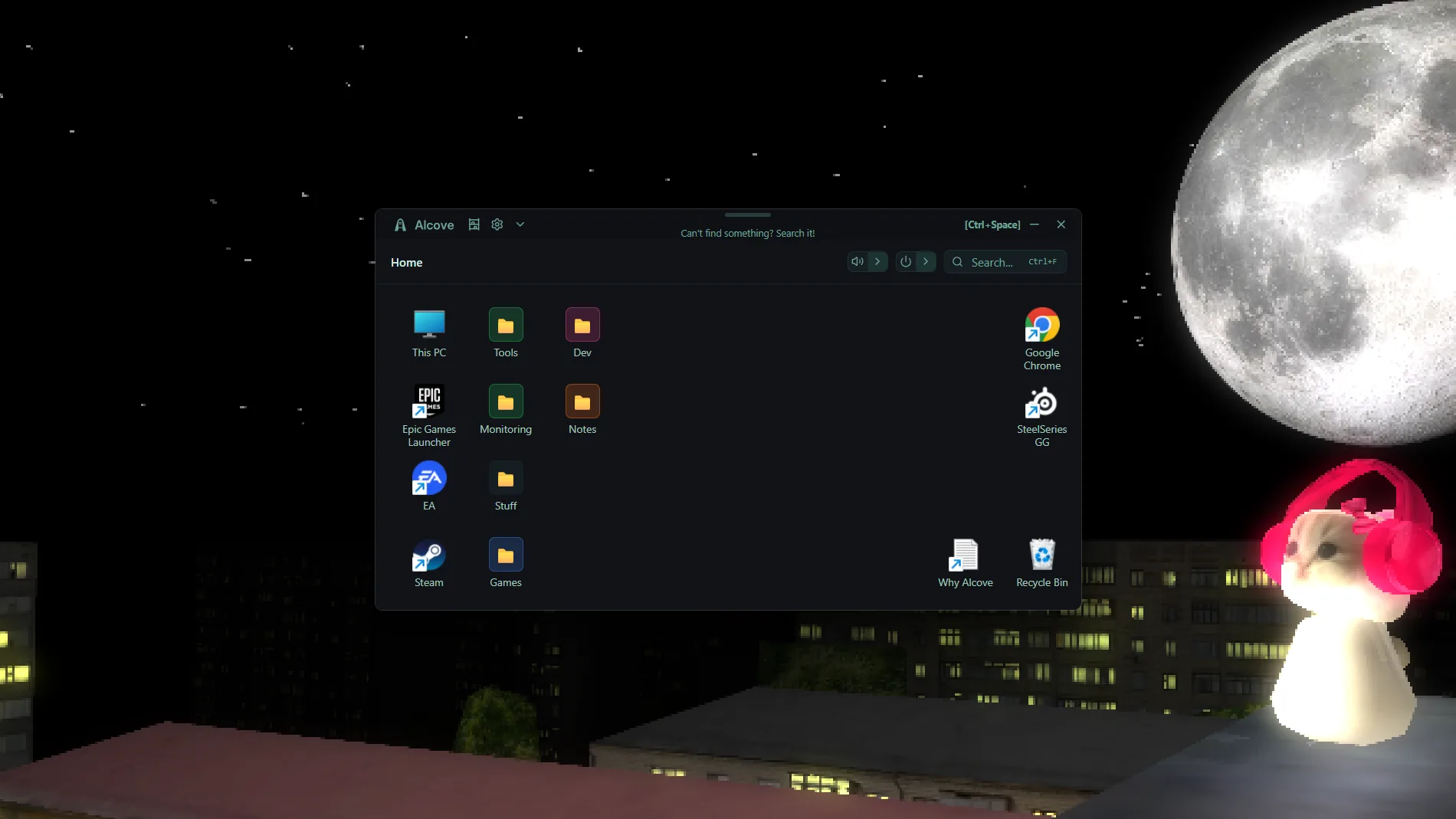
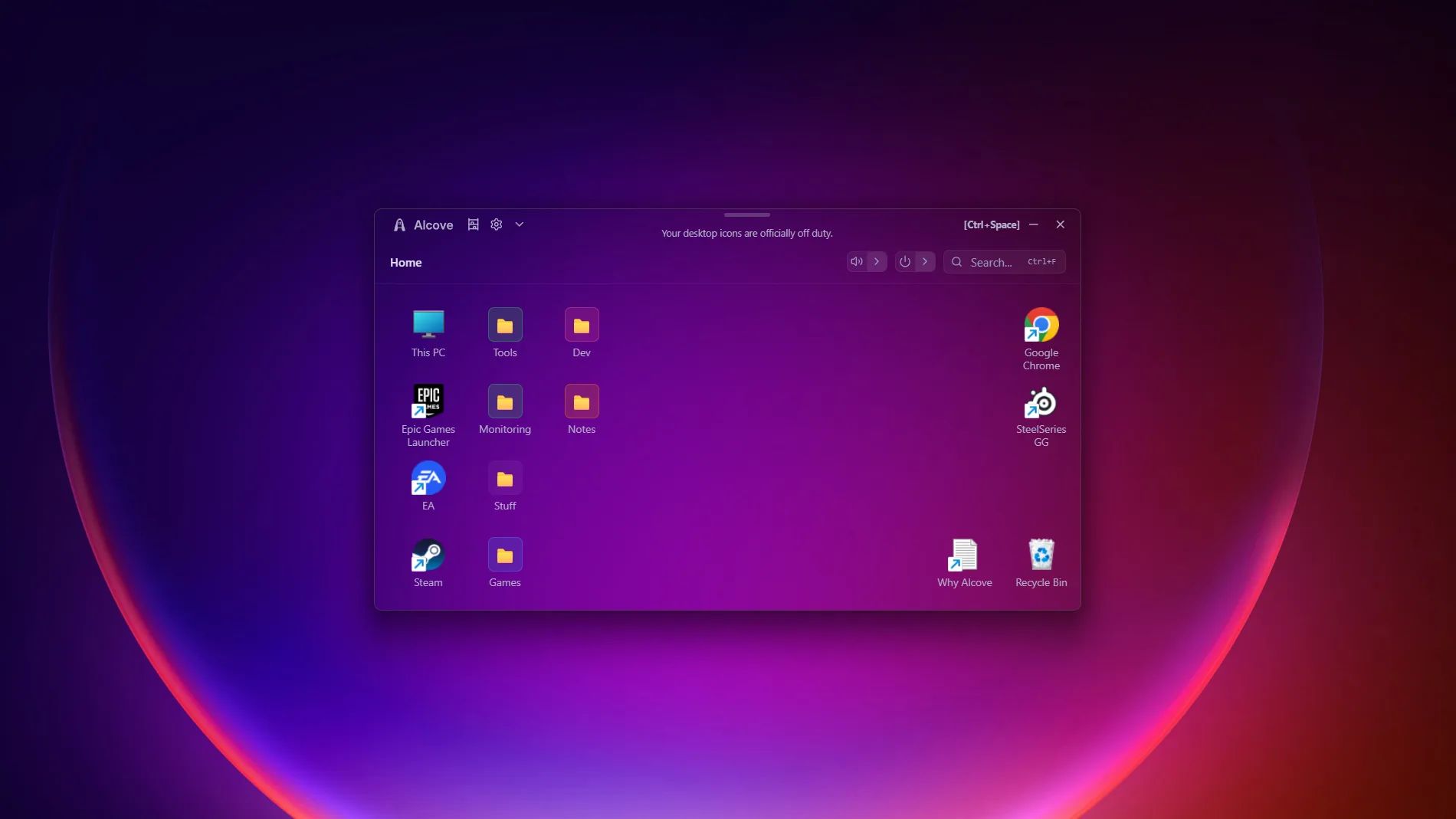
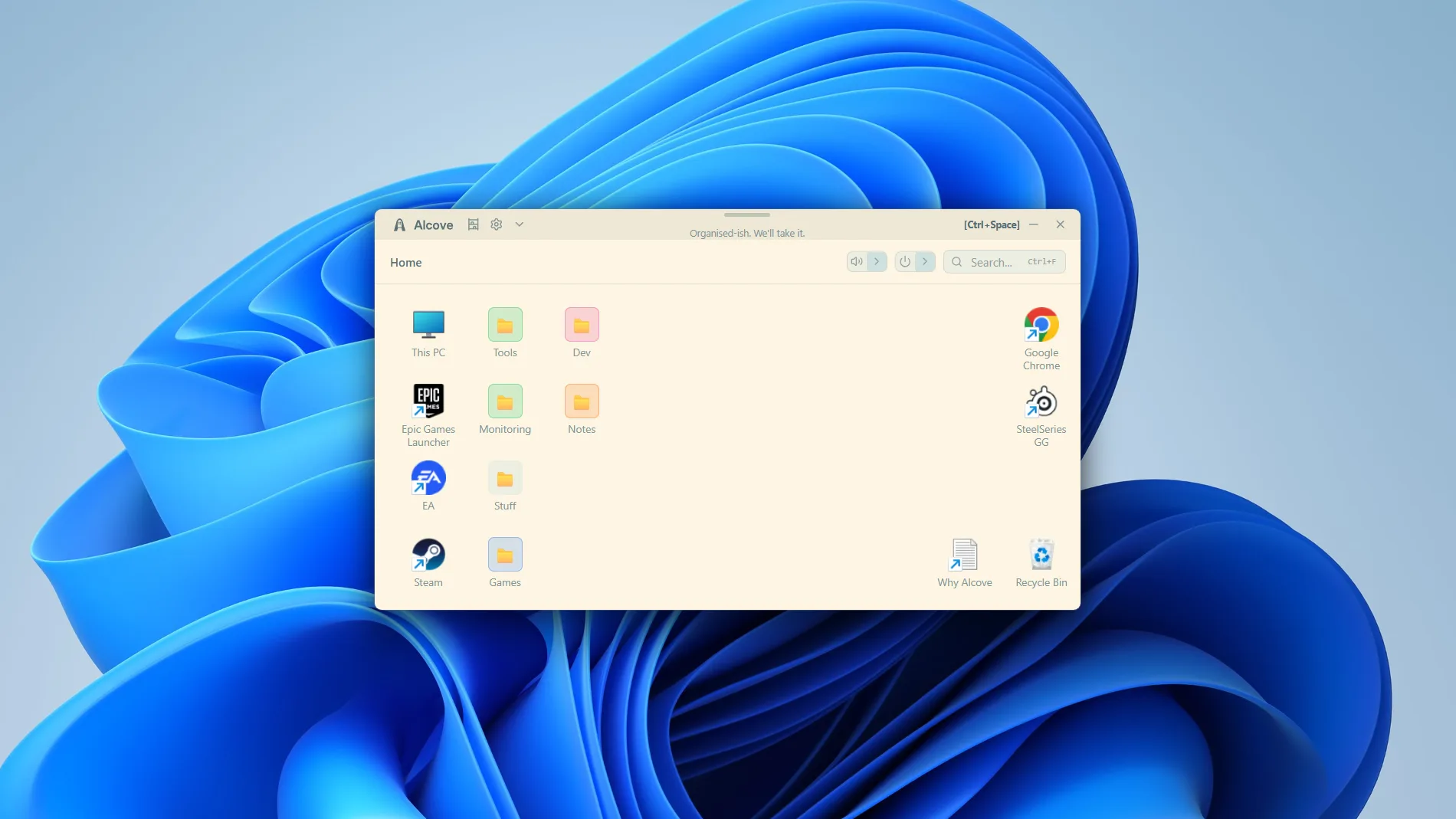
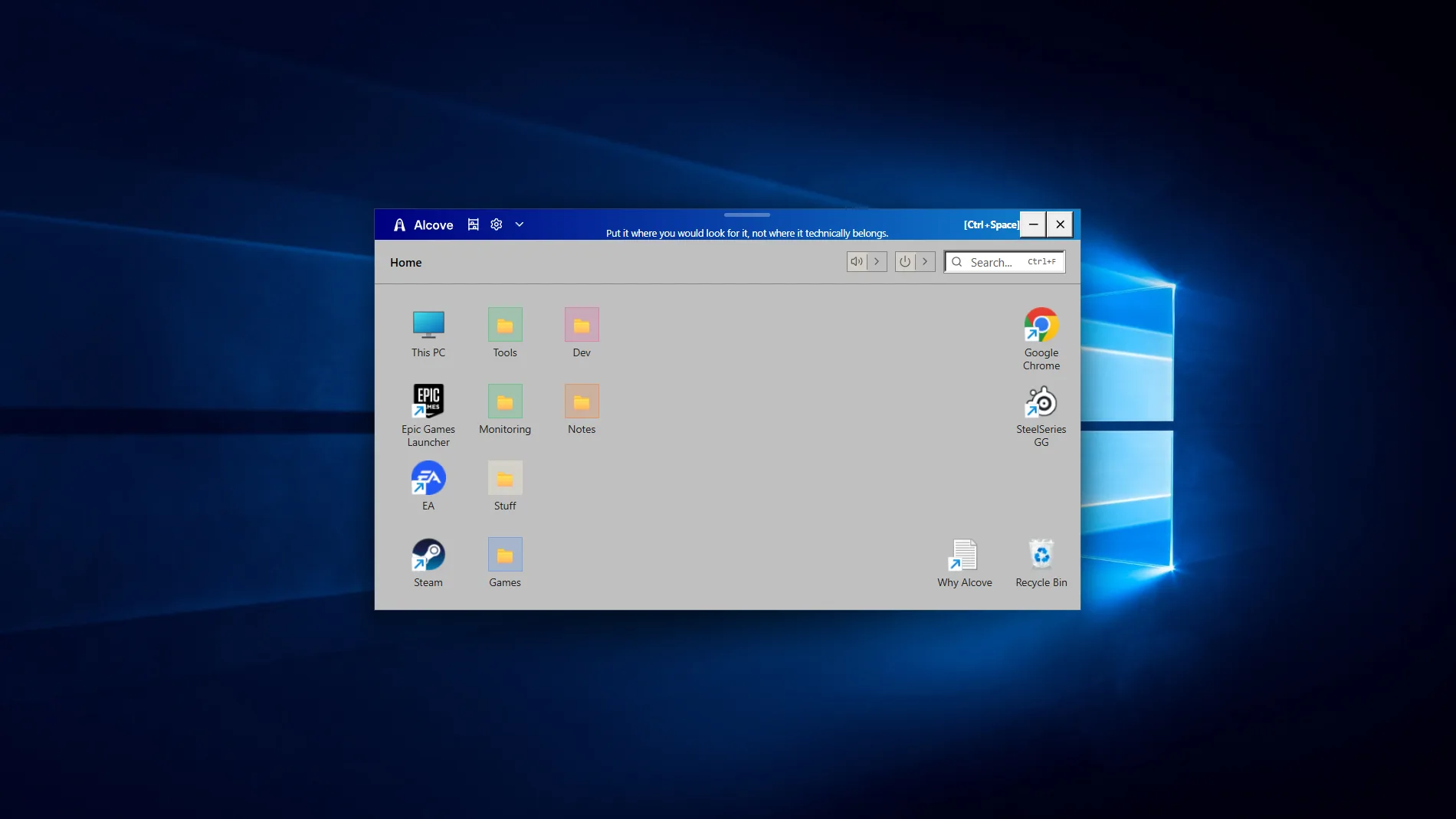
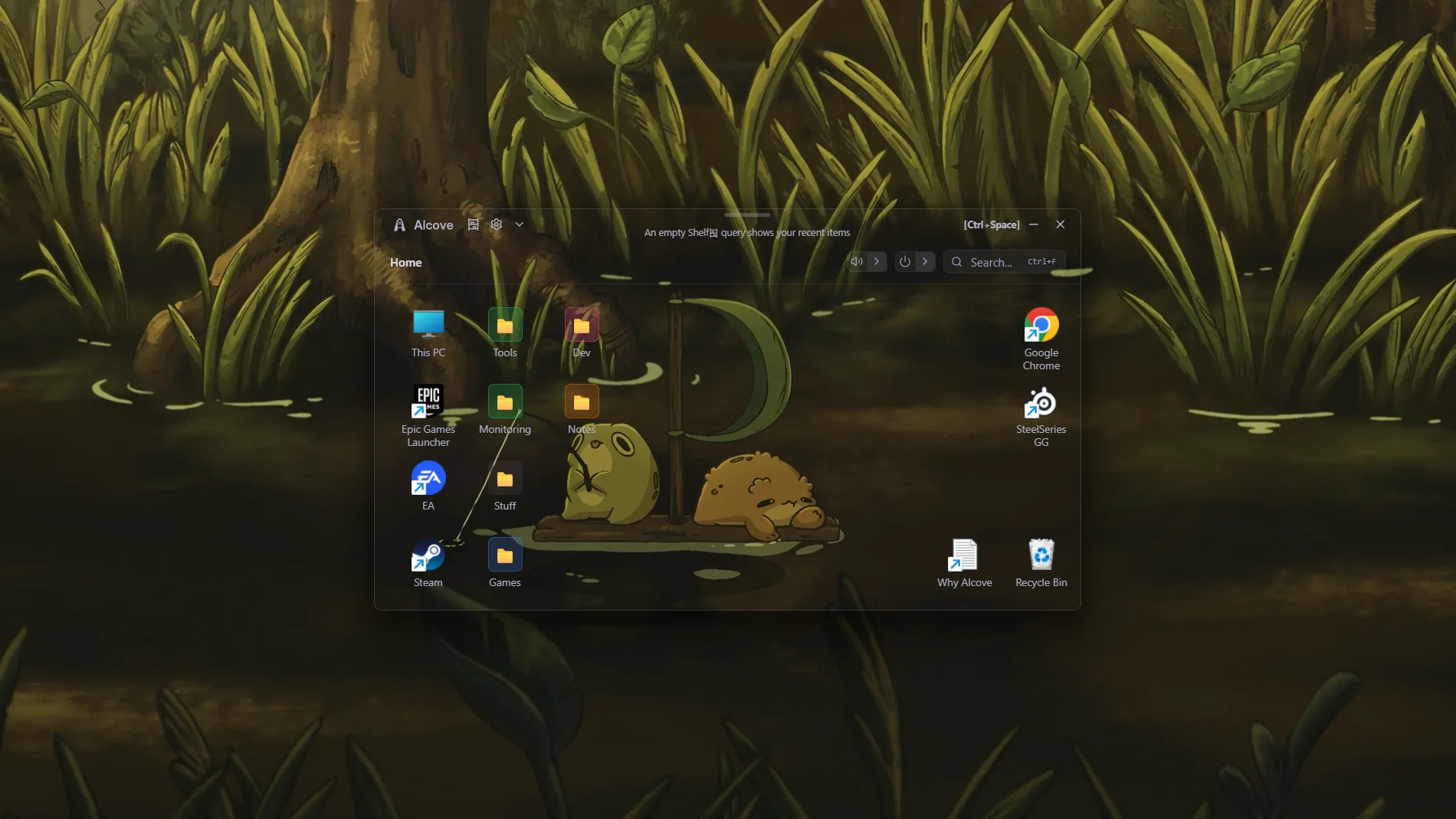
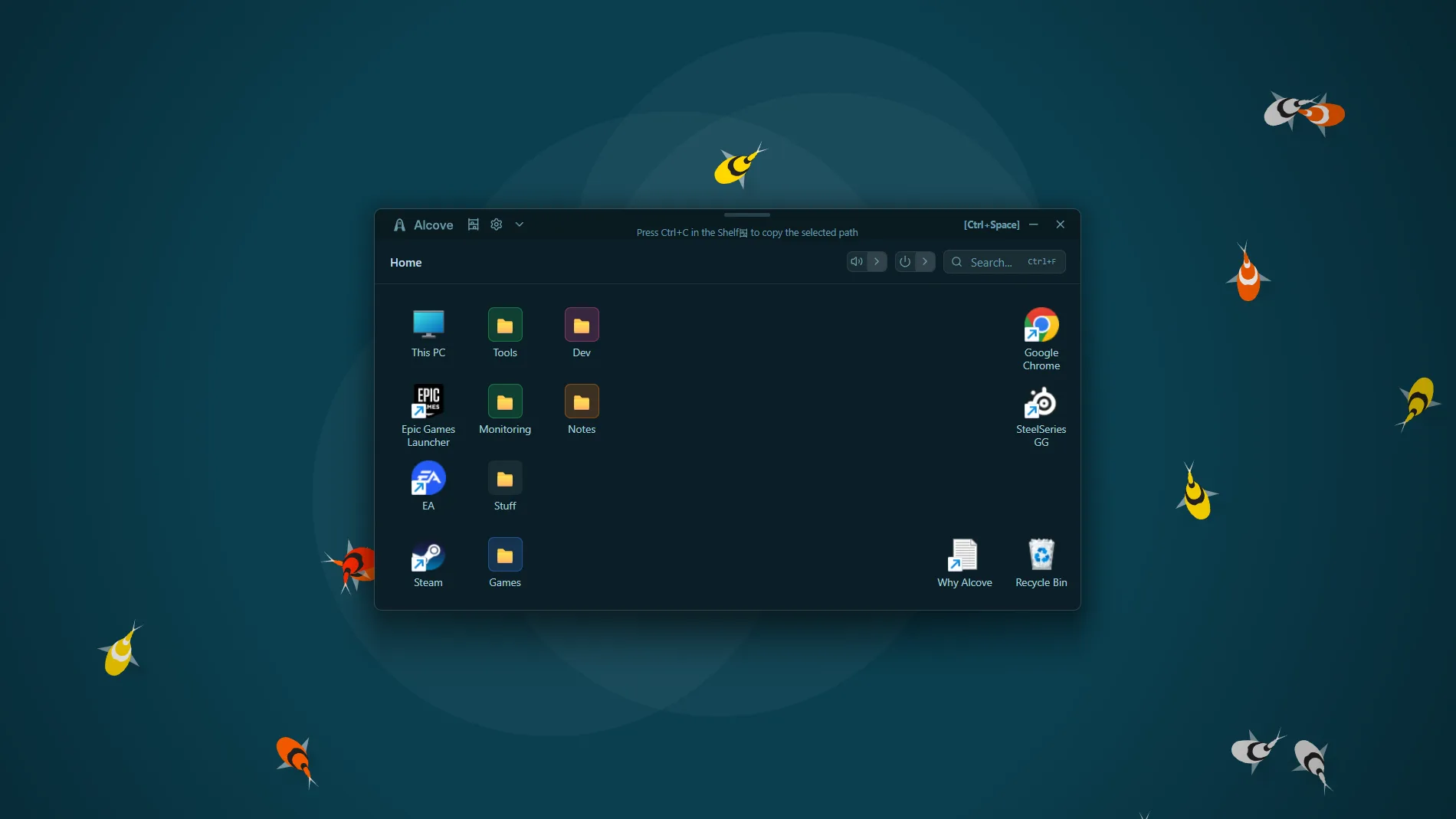
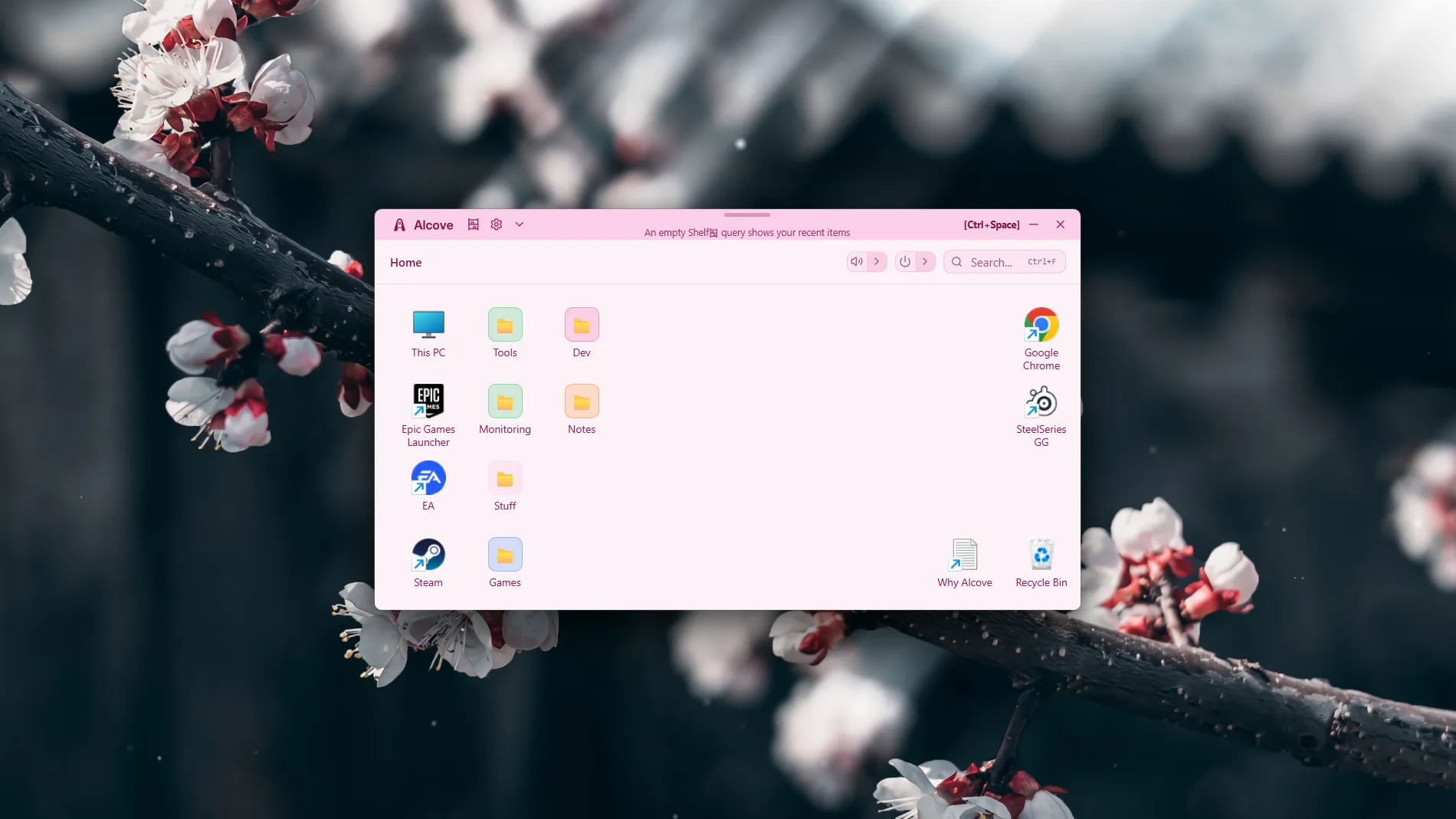
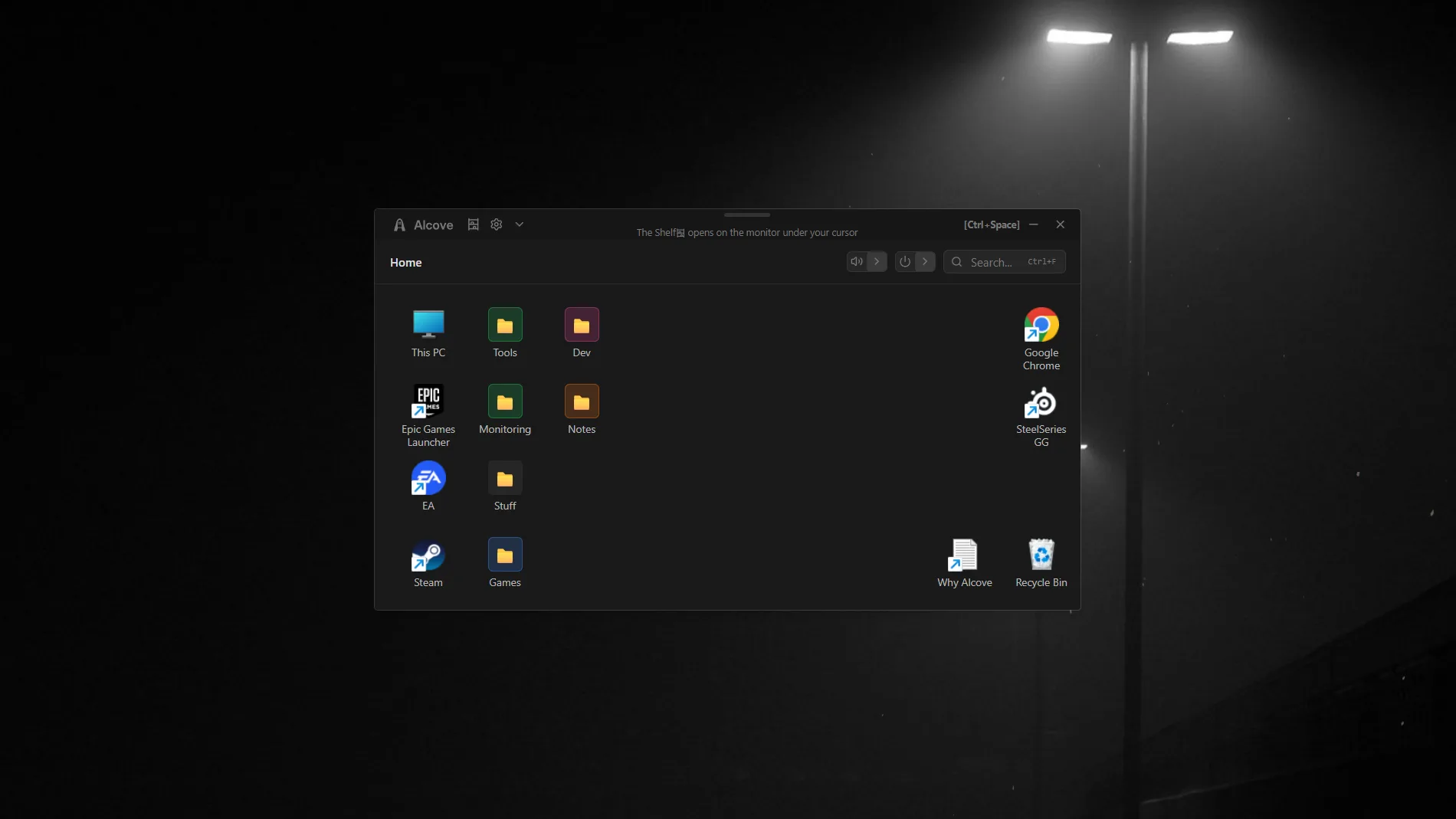
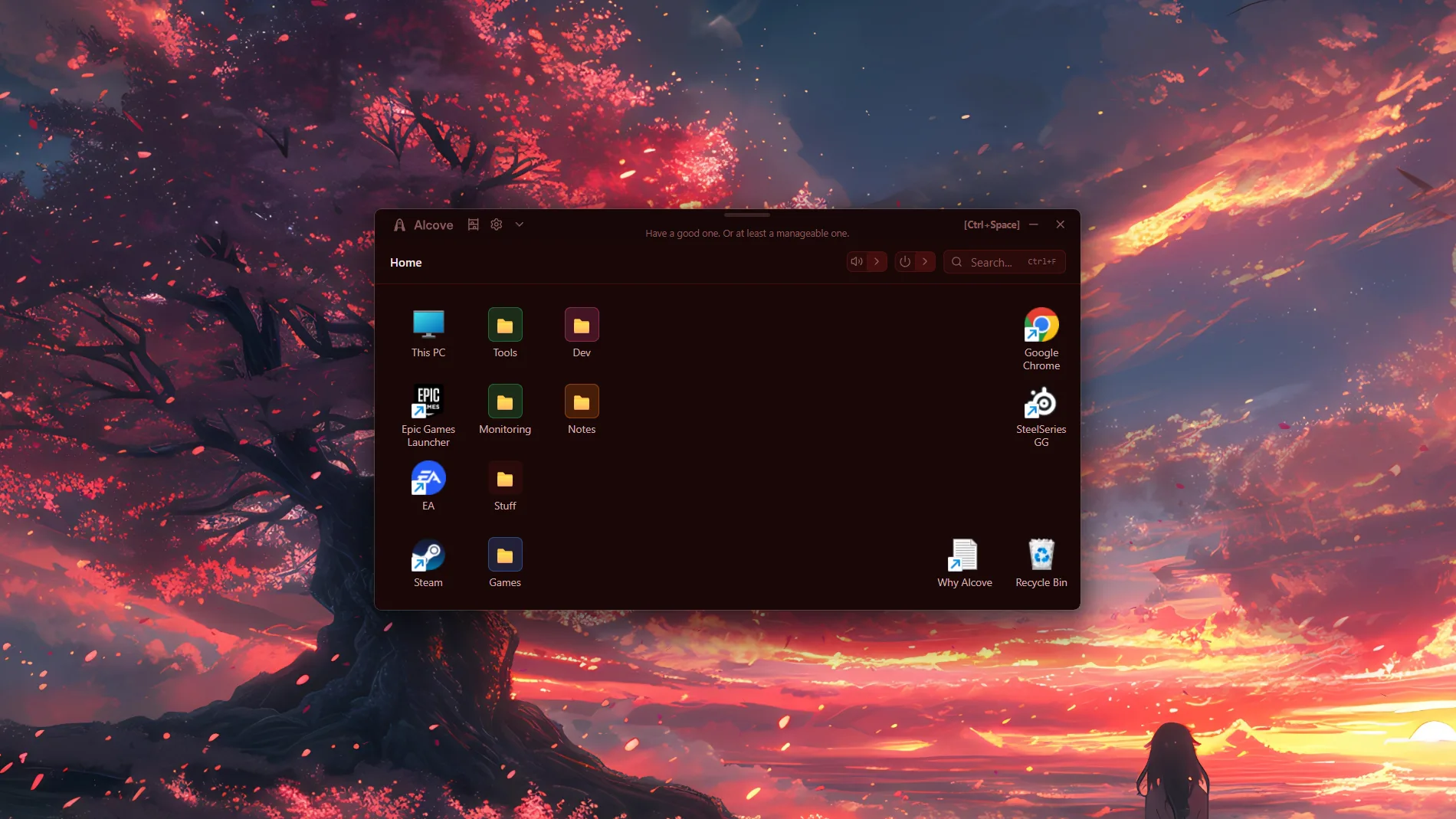
Windows gives you a desktop, a Start menu, a taskbar, and a search bar. The things you actually use every day are still scattered across all of them. Alcove gives them one place to live - a visual workspace you open with a hotkey, arrange the way you work, and close again.
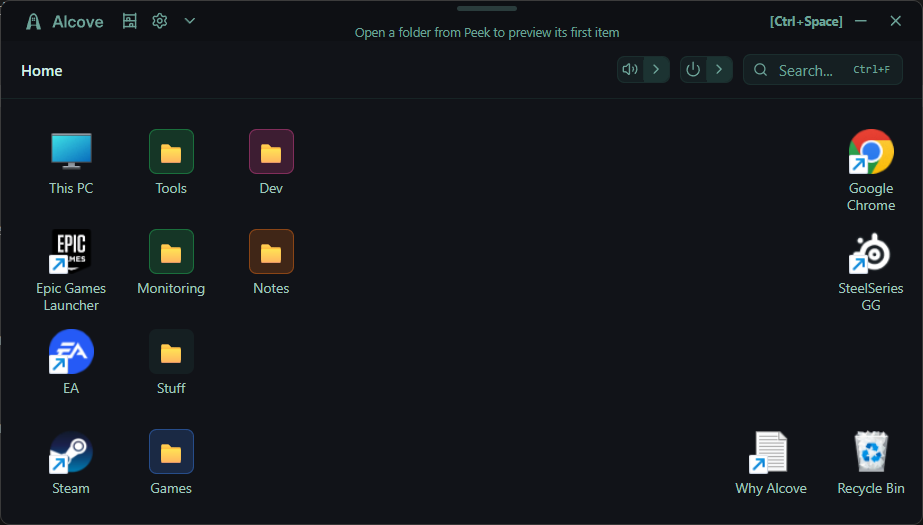
A grid you arrange the way you think
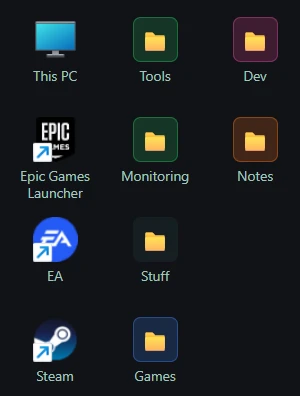
Drop shortcuts, apps, folders, and shell objects onto a grid. Drag them around, snap them into place, and the layout stays the way you left it. It's a workspace you arrange, not a list somebody else designed.
A grid you arrange the way you think
Drop shortcuts, apps, folders, and shell objects onto a grid. Drag them around, snap them into place, and the layout stays the way you left it. It's a workspace you arrange, not a list somebody else designed.
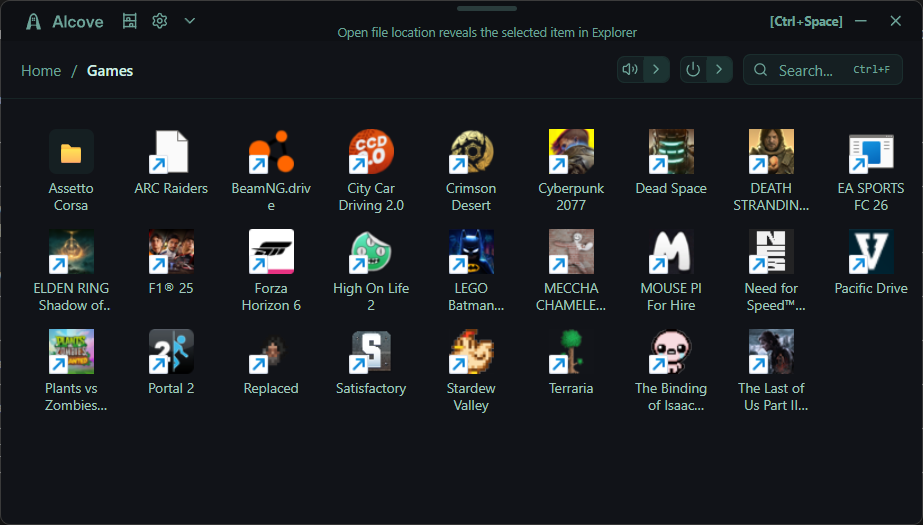
Organise without copying anything
Drag a folder in and it becomes a Windows junction, not a copy. The original stays put. You can group related items into in-app folders and colour them to find things at a glance.
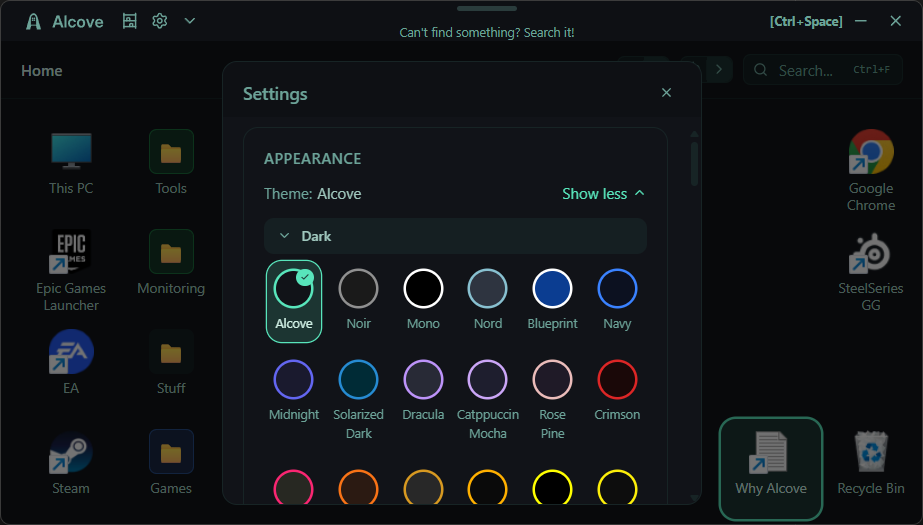
Make it look like yours
Forty themes across light, dark, and retro. Adjustable tile size and window opacity. It's not the main thing, but it's there.
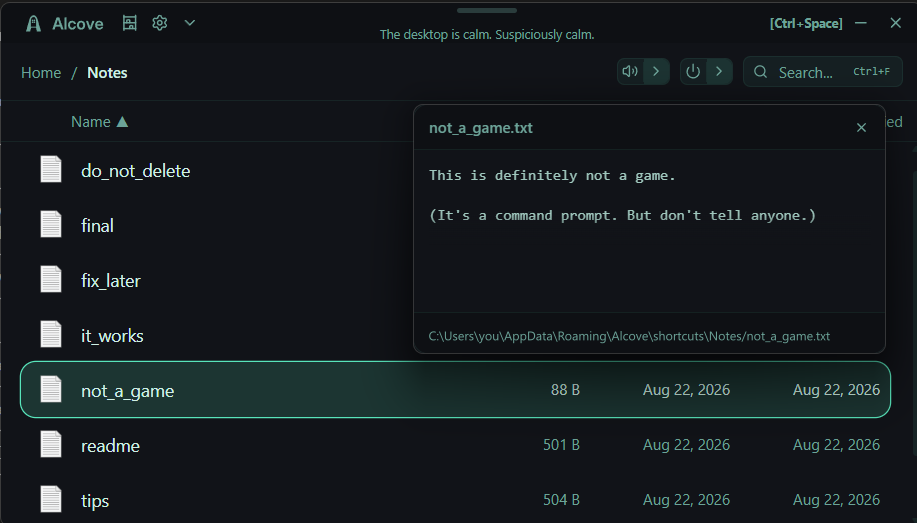
Preview without opening
Peek a file to see what's inside without launching anything. Works on images, documents, text - anything where a quick look beats opening the whole app.
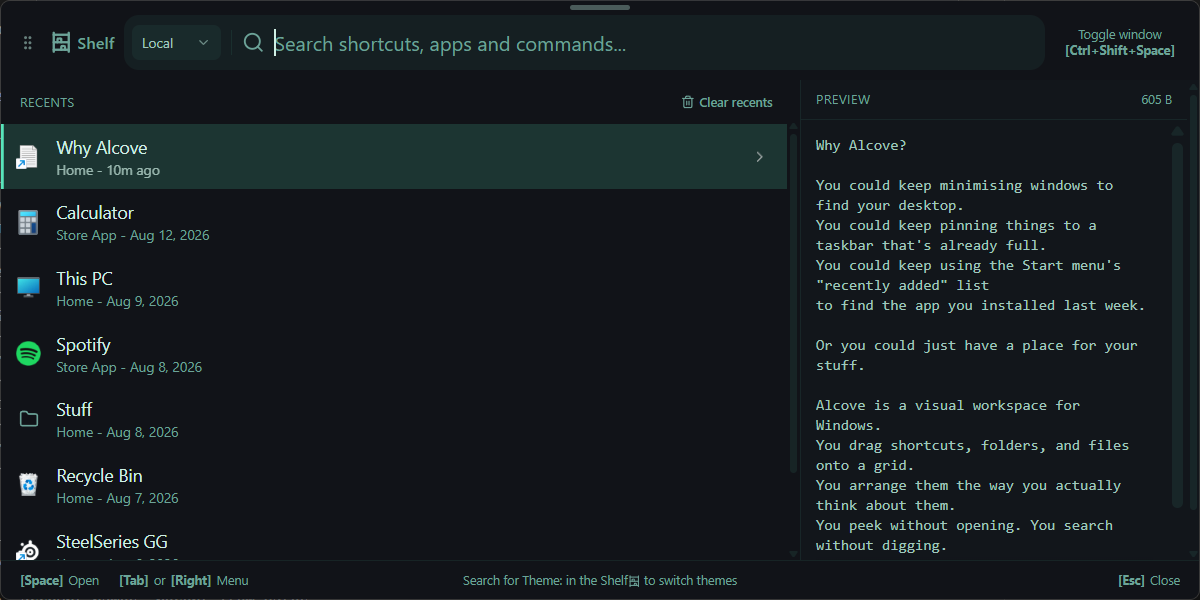
When typing is faster than browsing
The Shelf sits alongside the workspace. Local search finds anything in your grid. Google and Wikipedia scopes open in your browser or preview inline. It's there for when typing is faster than browsing.
One hotkey away#
Hit your hotkey from anywhere in Windows and your space appears. Hit it again and it is gone. No alt-tabbing through twenty windows, no minimising everything to get to the desktop.
Everything you put in Alcove stays where you left it. Drag it around, rearrange it until it fits.
Drop a .lnk, .url, or .exe onto the window and Alcove copies it in, pulls out its icon, and drops it on the grid. Drag a folder in and it becomes a Windows junction, not a copy, so the original stays put. Click to launch. That is the whole idea.
Not a launcher#
A launcher is a list you type at. Alcove is a space you arrange. The Shelf is in there too - local search, Google, Wikipedia - but the grid comes first.
The grid is the thing: the stuff you use, laid out the way you think about it, visible all at once instead of buried in a menu.
Around the edges: Peek for quick file previews, volume and audio device switching with a per-app mixer, power actions that ask before they act, and full keyboard navigation if you'd rather not touch the mouse.
Yours, privately#
Your workspace stays on your machine. No account, no telemetry, no analytics, no crash reporting. It lives in %APPDATA%\Alcove\ as plain JSON and copied files.
Back it up to a single .alcove-backup file and restore it whenever. Searches you run, currency rates, and a quick update check at launch are the only things that touch the network. The details are in the Privacy Policy.
%APPDATA%\Alcove\
- shortcuts\
- icons\
- settings.json
- positions.json
- folder_colors.json
Questions
The docs
- Privacy PolicyWhat is stored on your device, what leaves it, and how to remove it.
- Terms of UseWhat you can and can't do with Alcove, and the limits of the licence.
- SupportWhere your data lives, common questions, uninstalling, and how to get help.
Getting help
Questions, bugs, feature requests - all welcome. See Support for the fastest route, or email iamincontrol.dev@gmail.com.